
OwnMates Feature
Videos
Add a video to a post, and keep your videos in albums in the app.
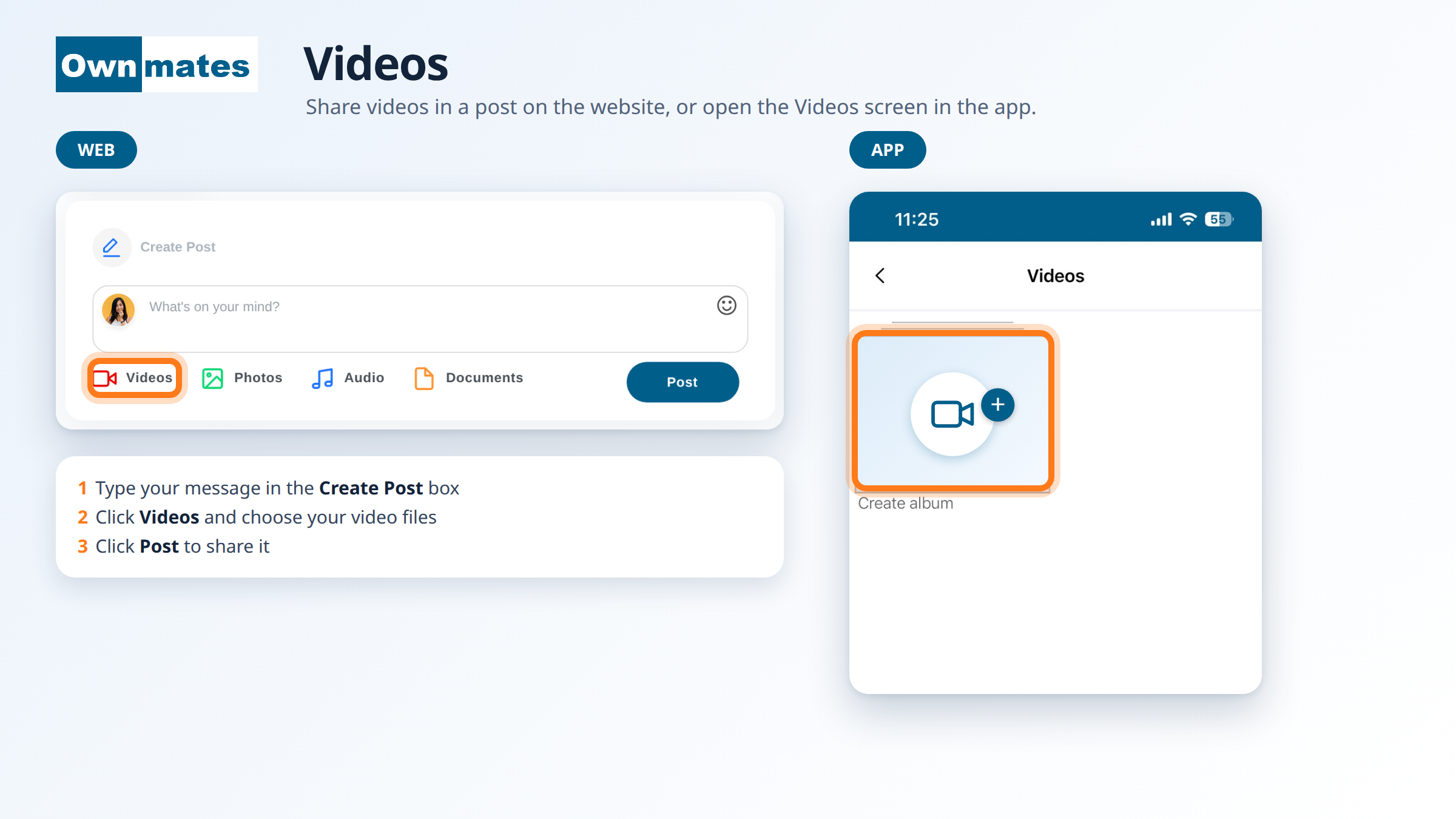
Share a video on the website
- Go to your home page and find the Create Post box.
- Type your message. A post needs some text.
- Click Videos and choose one or more video files.
- Click Post.
In the app
Tap Videos in the bar at the bottom of the app. The Videos screen opens with a Create album tile. Tap it to start an album for your videos.
You can also add a video from the Create Post screen with Add a video. See Create a Post.
Quick answers
Can I add more than one video?
Yes, on the website you can choose several files at once.
Where do my videos go?
Into the post you share. In the app you can also keep them in an album.