
OwnMates Feature
Analytics
See how your posts are doing and who is looking at them.
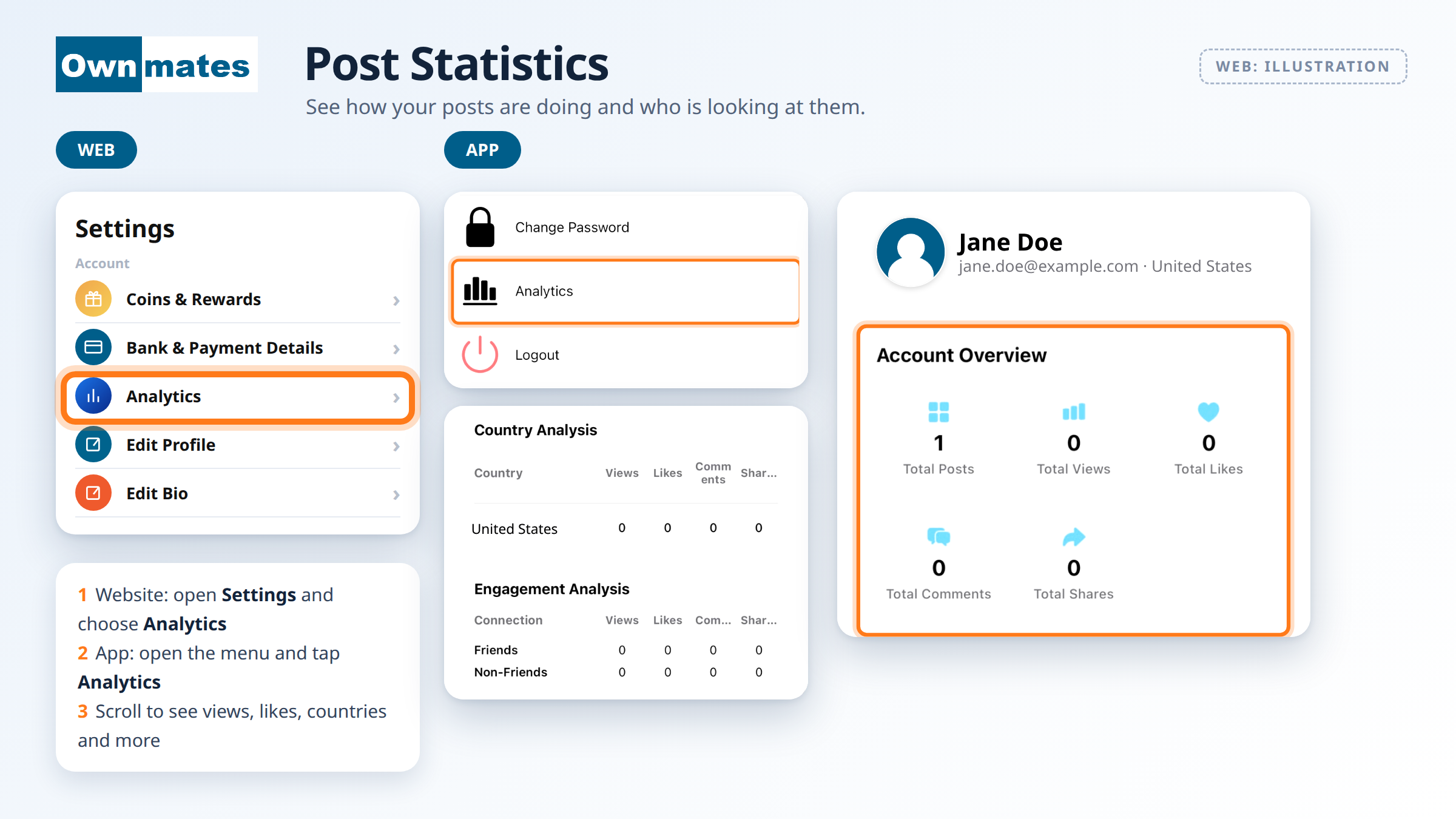
Analytics shows how your posts perform. In the app the screen is called Post Statistics. You see how many people viewed, liked, commented on and shared them, and a bit about who those people are.
Where to find it
- Website: open Settings and choose Analytics. You also see a View Statistics link under your own posts.
- App: open the menu and tap Analytics. The screen it opens is called Post Statistics.
What you see
- Account Overview: your Total Posts, Total Views, Total Likes, Total Comments and Total Shares.
- Gender Distribution: views, likes, comments and shares from men and from women.
- Age Distribution: the same numbers as percentages for three age groups: Child (under 18), Middle and Senior (50+).
- Country Analysis: views, likes, comments and shares for each country.
- Engagement Analysis: how much of it comes from friends and how much from people you aren’t friends with.
- All Posts Breakdown: every post with its own views and likes.
All the numbers start at 0. They go up as people see your posts and react to them.
Quick answers
Why are all my numbers 0?
No one has viewed or reacted to your posts yet, or you haven’t posted much. Share something and check again.
What is Engagement Analysis?
It splits views, likes, comments and shares into friends and non-friends, so you can see if your posts reach beyond your own circle.
Can I earn from my posts?
Yes, through coins. See Earning Money.
Next: Earning Money.