
OwnMates Feature
Manage Comments
Fix a comment you wrote, remove one you don’t want, and decide who can comment on your posts.
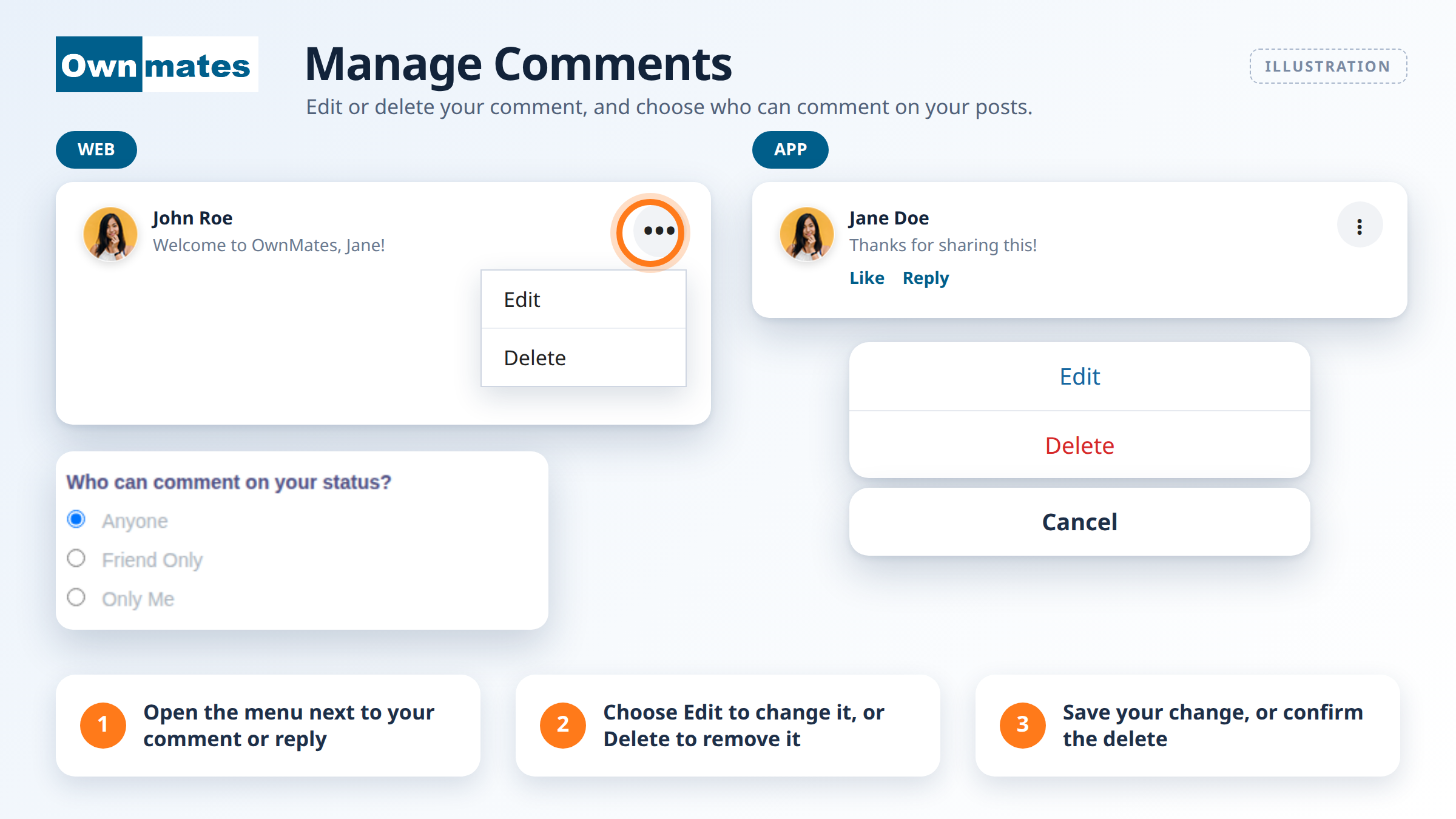
You can only change your own comments. The picture above is an illustration of how the menu works.
Edit a comment
- Open the post with your comment.
- Open the menu next to your comment (the three dots).
- Choose Edit, change the text and save it.
Delete a comment
- Open the menu next to your comment.
- Choose Delete.
Choose who can comment on your posts
This one is on the website. Open Settings, choose Profile Privacy and find Who can comment on your status?. Then pick one:
- Anyone: every member can comment.
- Friend Only: only your friends can comment.
- Only Me: nobody else can comment.
Click Save when you’re done.
Quick answers
Can I edit someone else’s comment?
No, only your own.
Is the app different?
The idea is the same. In the app a comment is called a reply.